Cutiora's Free Photo Editing Tools
🎀 Your one-stop spot for all things cute & creative
All of Cutiora's Free Photo Tools
Cutiora is a small collection of free, no-sign-up photo tools that all run right in your browser: PFP Border Maker for a cute, circular profile picture border; Aesthetic Photo Filters for instant Y2K, VSCO, and vaporwave-style looks; Photo Booth for webcam photo strips; Sticker Maker for turning any photo into a cute sticker with a transparent background; and the Cute Photo Editor for adding text, aesthetic symbols, kaomoji faces, stickers, and drawings to any photo. Mix and match them — nothing here needs an account or a download.
PFP Border Maker
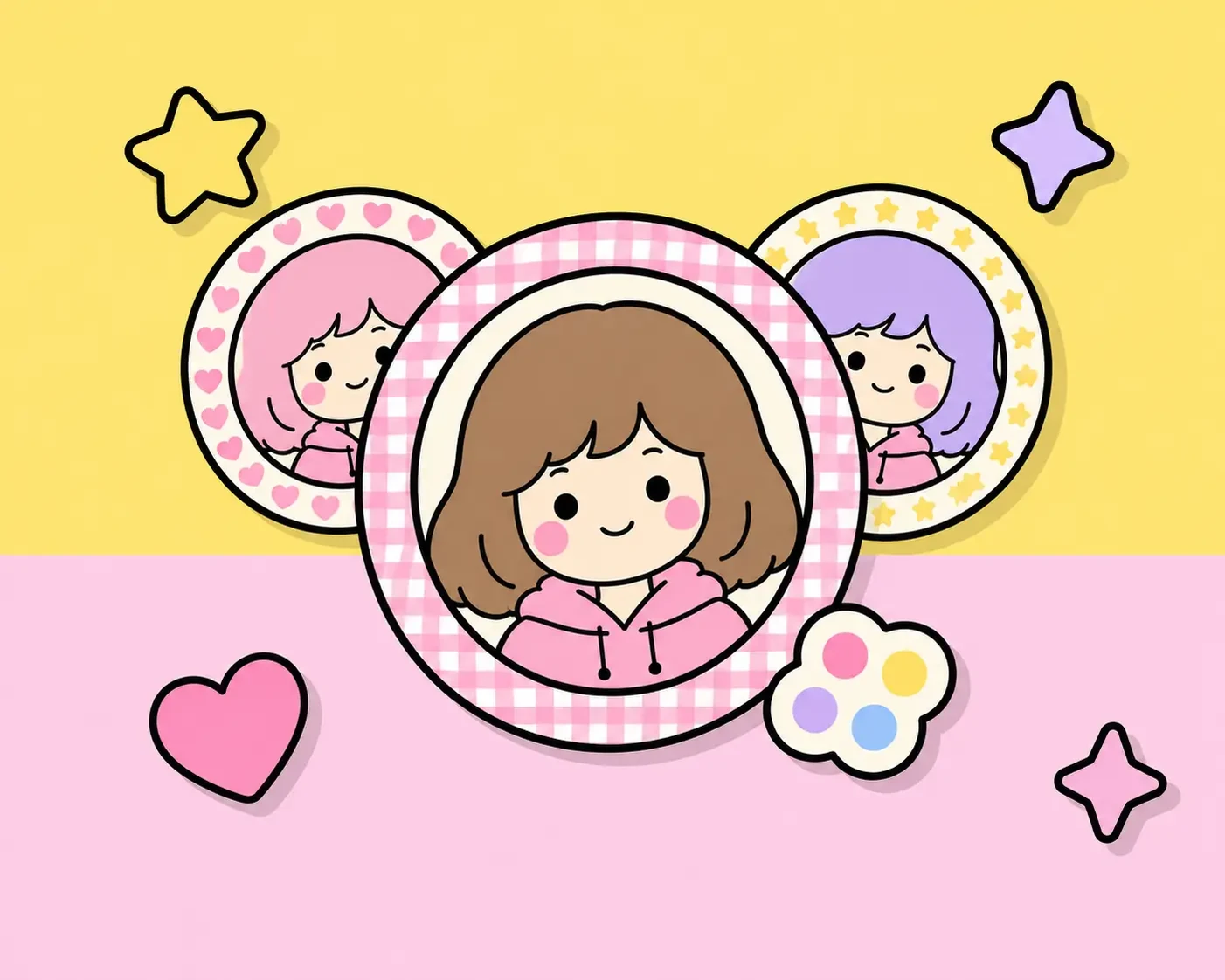
Turn any photo into a round profile picture with a cute, recolorable border — Solid, Dots, Gingham, Star, Hearts, or Stripes — or upload your own image (pearls, lace, shells, fabric) to use as the border itself. Great for a kawaii, coquette, or matching pfp on Discord, Instagram, or TikTok. Try PFP Border Maker →
Aesthetic Photo Filters
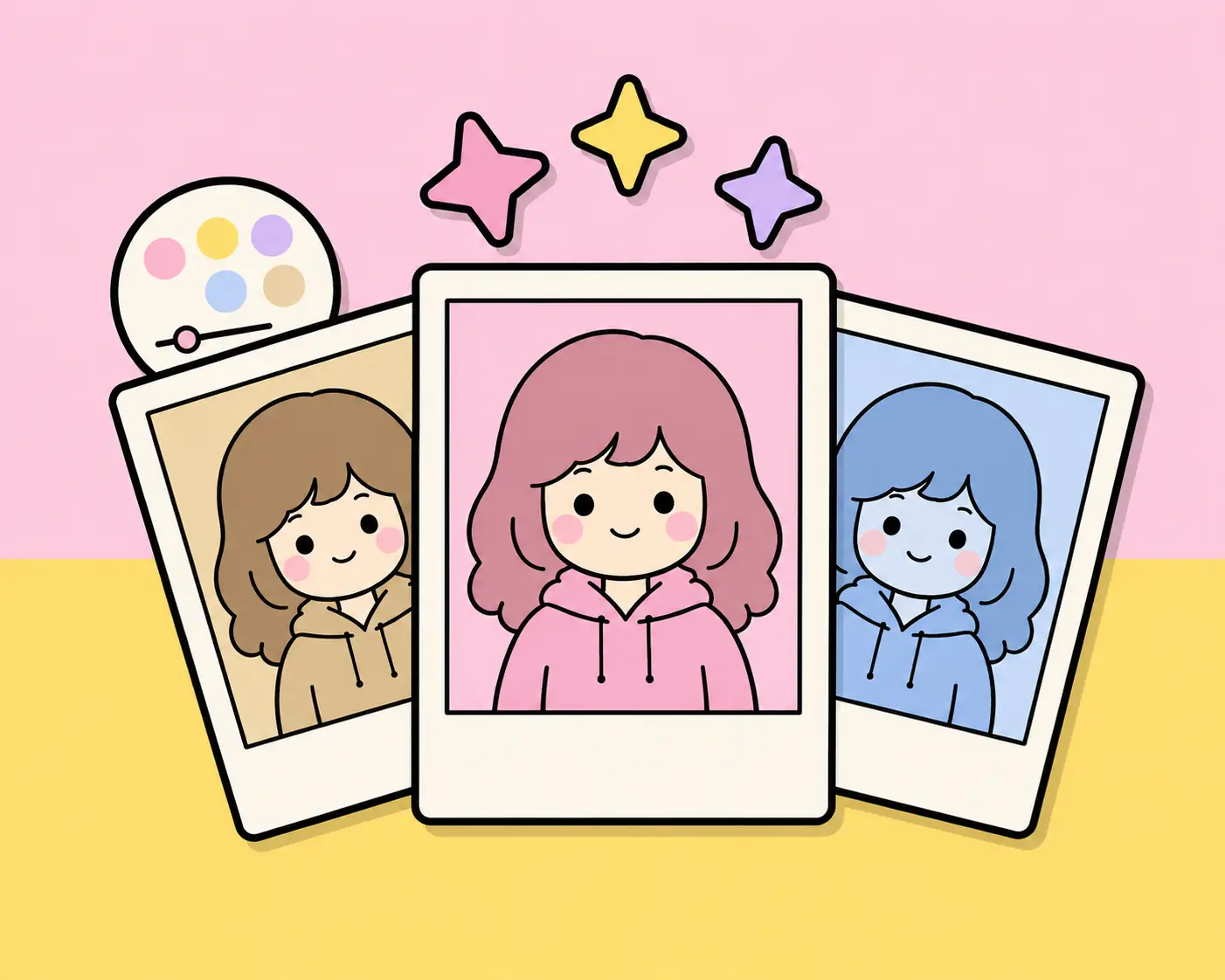
Instantly apply one of 50+ aesthetic looks — trending looks like CCD Digicam, Disposable, Teal & Orange, Coquette, 2016 Vibe and Halation, plus classics like Y2K, VSCO, Vaporwave, Webcore, Vintage and Dreamy — to any photo you upload, then fine-tune it with the Adjust panel. Try Aesthetic Photo Filters →
Photo Booth
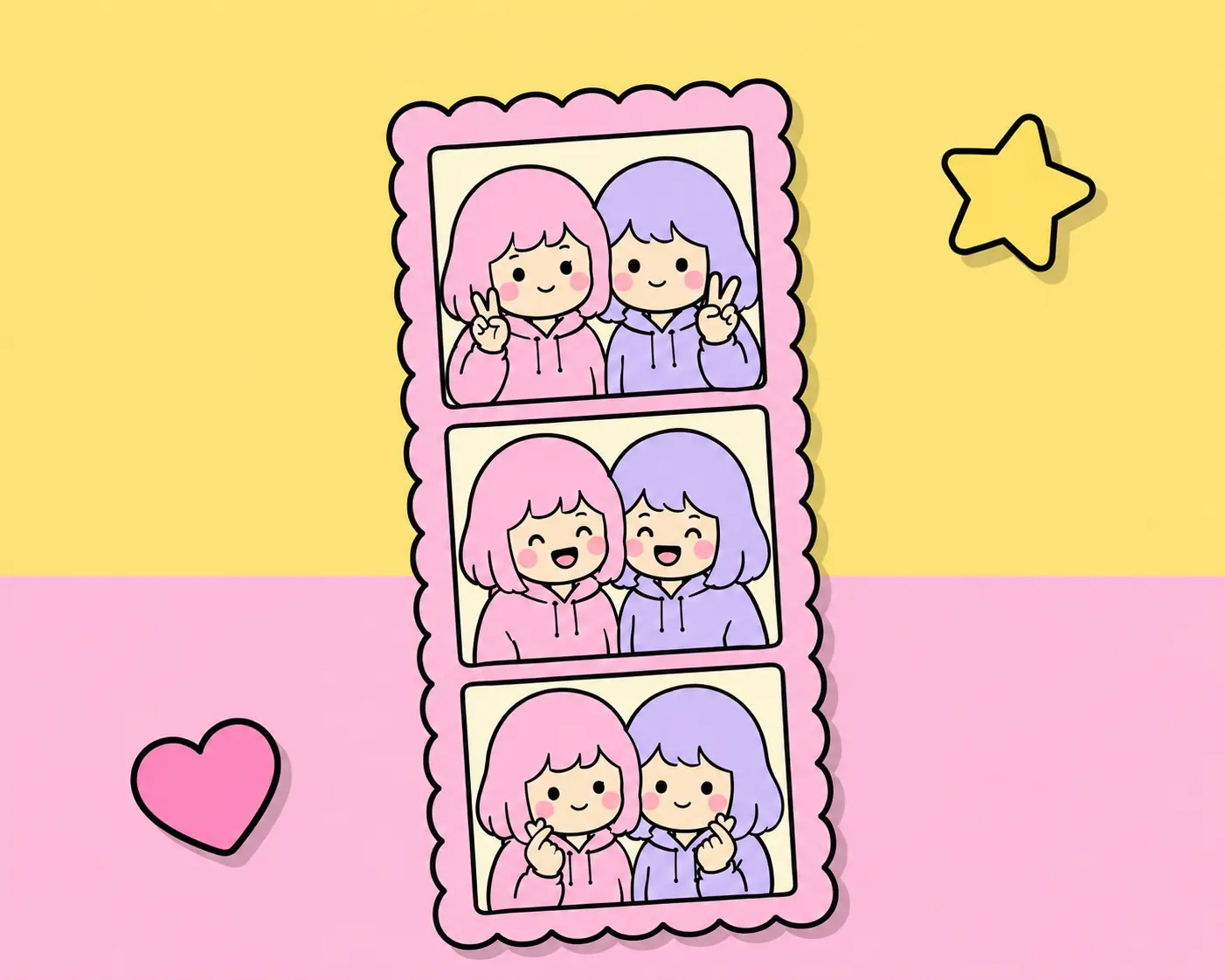
Turn your webcam into a real photo strip machine: pick a Classic Layout or a designed Frame Template, shoot a 1, 3, or 4-shot strip (or upload photos instead), then add filters, text, stickers, and drawings before downloading. Try Photo Booth →
Cute Photo Editor
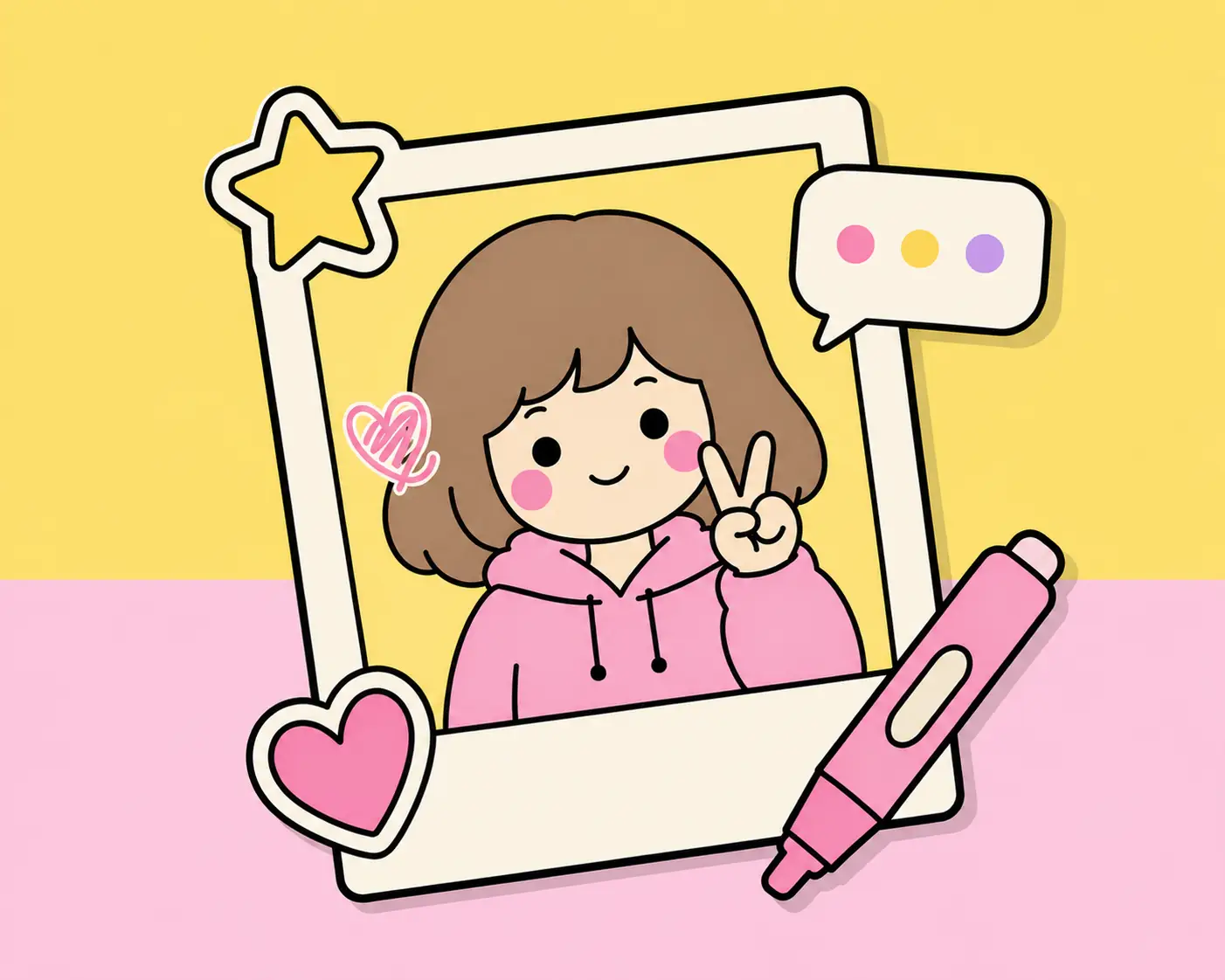
The main Cutiora tool: upload a photo and add text with cute fonts and built-in aesthetic symbols & kaomoji panels, hundreds of Food, Love, Y2K, Alphabet, Cute, and Study stickers, plus hand drawing with a brush, eraser, and fill tool. Open the Cute Photo Editor →
Sticker Maker
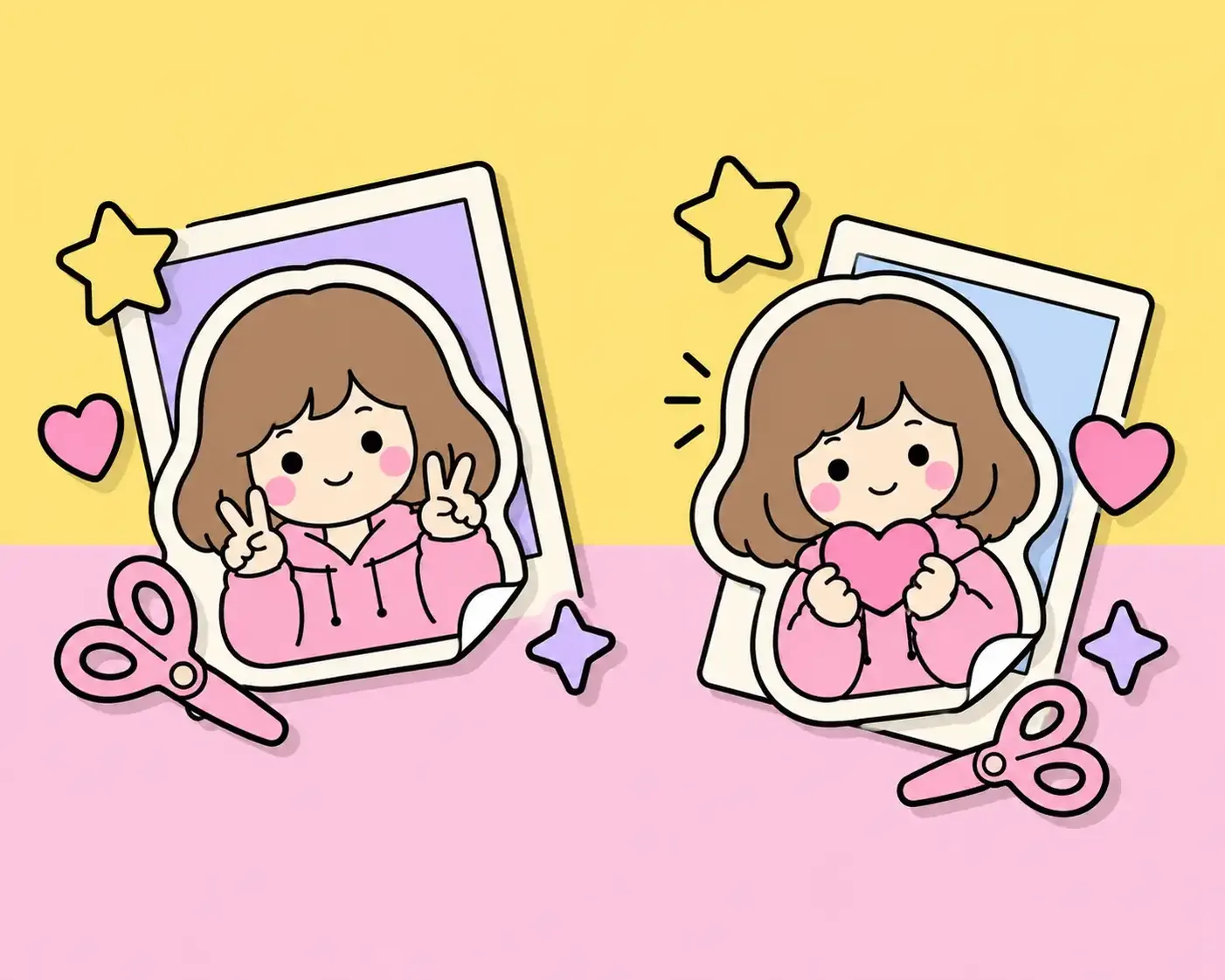
Turn any photo into a cute sticker: cut out the background automatically or by hand (or keep the whole picture), then add a filter, a drawing, a white die-cut outline and a shadow, and download a transparent PNG. Save your favourites to reuse in the photo editor and Photo Booth. Try Sticker Maker →
Frequently Asked Questions
Are all of Cutiora's tools free?
Yes — every tool on Cutiora is 100% free, with no sign-up and no watermark on anything you download.
Do I need an account to use any of these tools?
No. None of Cutiora's tools require an account — just open any tool and start creating.
Which tool should I use to add stickers to a webcam photo?
Use Photo Booth — it captures photos from your webcam (or lets you upload some), then lets you add stickers, text, and drawings on the finished strip.
Can I combine filters, text, and stickers on the same photo?
Yes. Apply a filter first in the Aesthetic Photo Filters tool, then open the Cute Photo Editor or Photo Booth to add text, stickers, and drawings on top.
Which tool should I use to add a border to my profile picture?
Use PFP Border Maker — it crops your photo to a circle and adds a recolorable border (or a border made from your own image), then lets you apply a filter or drawing on top before downloading.
Which tool should I use to turn a photo into a sticker?
Use Sticker Maker — it removes the background from your photo (automatically or by hand, or you can keep the whole picture), lets you add a filter, a drawing, a white outline and a shadow, and downloads a transparent PNG. You can also save your stickers to reuse in the photo editor and Photo Booth.
Can I use Cutiora's tools on my phone?
Yes, every tool works on any modern phone, tablet, or computer browser, and can even be installed as an app.